How do I show
my work?
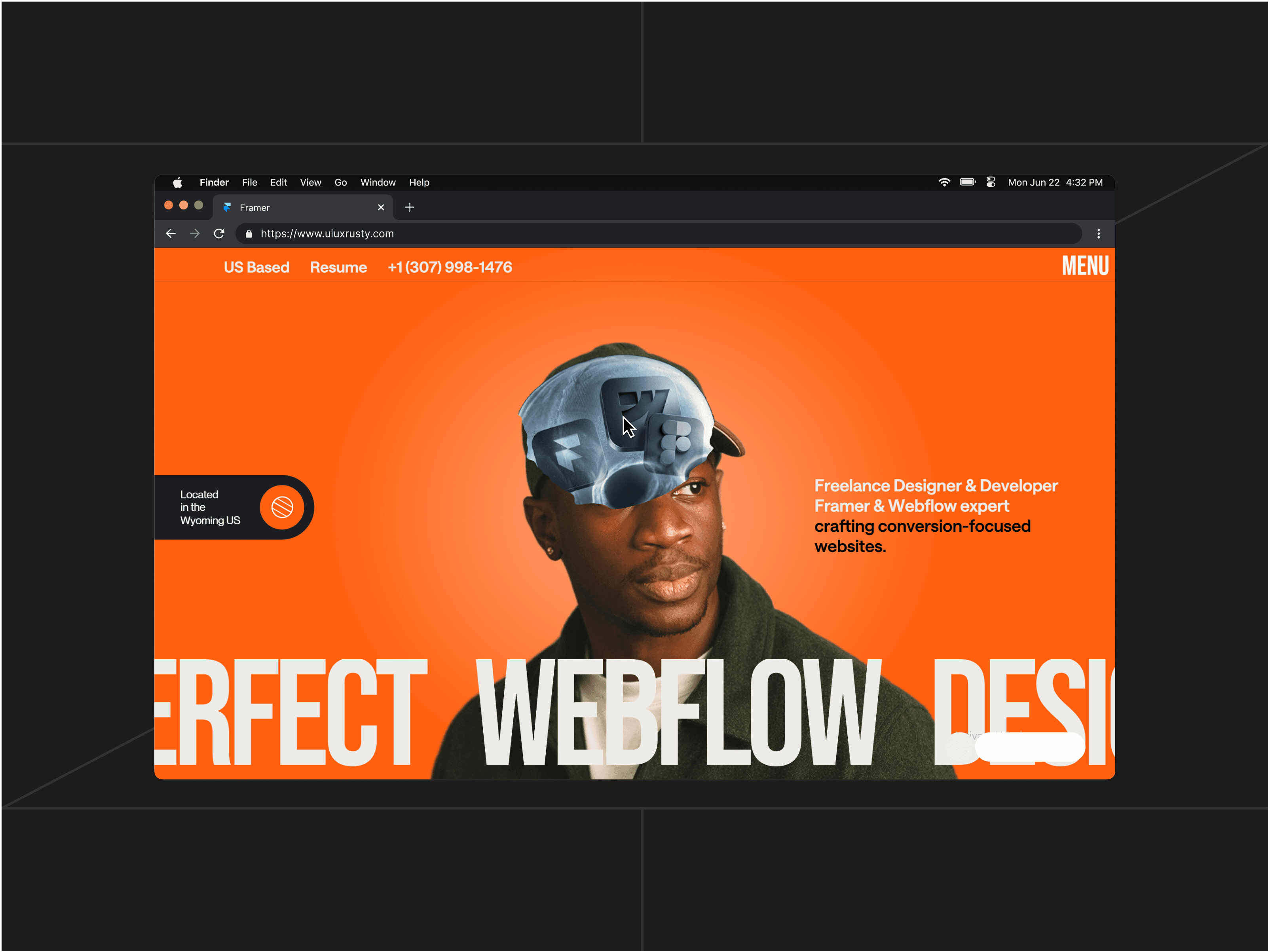
Visual inspiration · uiuxrusty
+ DESIGN LAB
Build your skills.
Show your work.
Guided learning in a private Whop community: Rive video tutorials, Framer websites with AI and projects to share.
- Build your design and presentation skills
- Get feedback from uiuxrusty and other designers
- Develop your presence on social media
Membership€29.99 / monthMonthly membership · Join Design Lab on Whop.
Explore the content
Paid community · Whop membership For designers
You create.
What comes next?
Finishing a design is one step. Knowing how to improve it, present it and share it helps you build a body of work people can understand and recognise.
You need another perspective.
Get feedback on your composition, hierarchy and presentation instead of guessing what to change.
Your projects stay out of sight.
Learn to turn your work into animated presentations and content you can share on social media.
Progress feels hard to sustain.
Meet other designers, take part in challenges and move your projects forward with the community.
Better skills.
A stronger presence.
Design Lab connects learning to your own work: improve a design, share it for feedback, refine its presentation and publish it. Grow your skills and your presence together.
The project is there. The next step is still unclear.
Where do I
start?
Move this
project forward.
A METHOD. YOUR WORLD.
Design it.
Animate it. Share it.
Use AI to explore a visual direction, build your website in Framer and animate its presentation in Rive. Learn to explain your choices and show your work on social media.
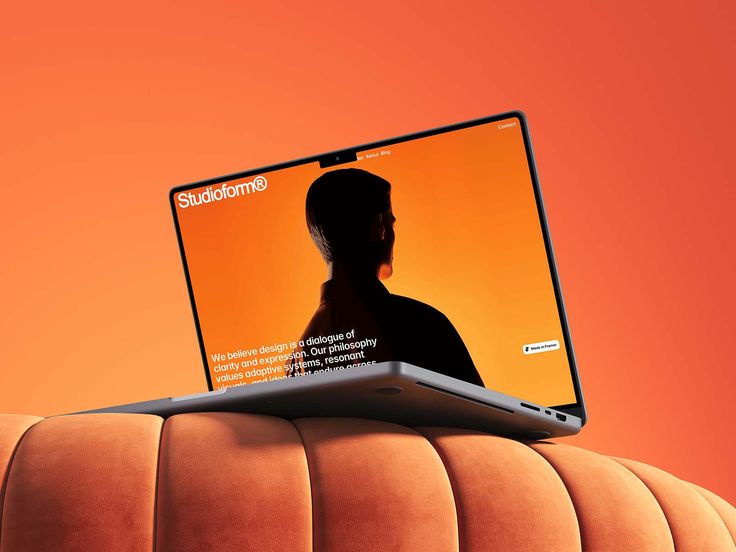
THE NEXT STEP
Create.
Show.
Grow.
BEHIND THE PROJECT
Your choices.
Your intention.
Here’s how I turned [my idea] into [my project].
Present one specific choice, then show how it serves your project.
- Set the context.What problem were you trying to solve?
- Show your intention.Which design choice makes the difference?
- Reveal the result.Show the detail that best expresses your work.
- Start a conversation.Invite other designers to share their perspective.
YOUR NEXT PROJECTThree steps.
Three steps.
A project moving forward.
A reflection exercise to apply this approach to your own work.
Download the exercise01
Join your member space.
Enter the private Whop community, explore the videos and use the included design fundamentals e-book.
02
Create and ask for feedback.
Apply design, Framer with AI and Rive to your own project. Share your progress for feedback from uiuxrusty and other members.
03
Refine, present and share.
Use feedback to improve your project, create a compelling presentation and build your presence through the work you publish.
Interactive presentation examples.
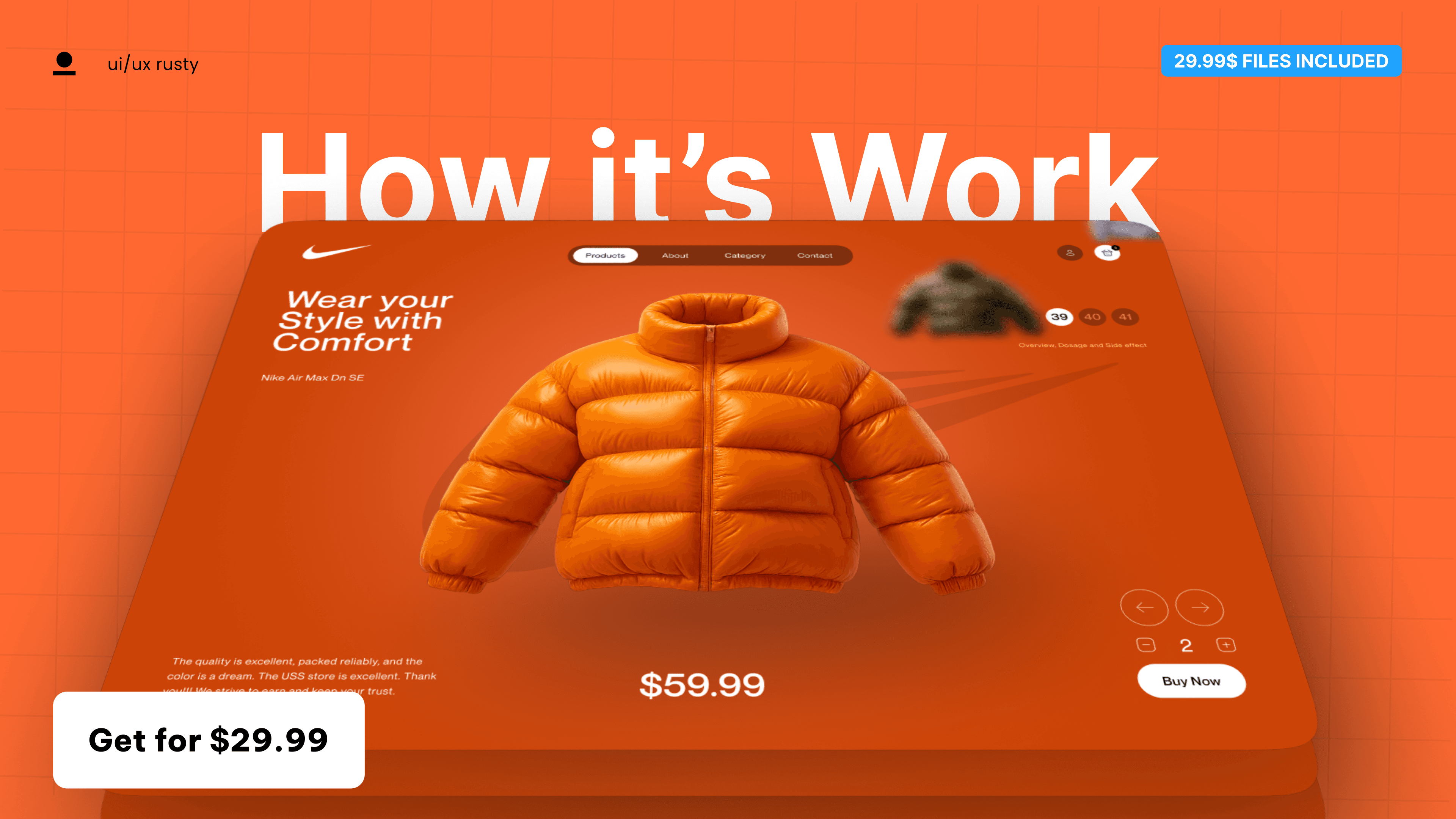
From practice
to published work.
Videos to build your skills, resources to practise and a private community to exchange feedback, meet designers and take part in challenges.
- 1
Join your member space.
Enter the private Whop community, explore the videos and use the included design fundamentals e-book.
- 2
Create and ask for feedback.
Apply design, Framer with AI and Rive to your own project. Share your progress for feedback from uiuxrusty and other members.
- 3
Refine, present and share.
Use feedback to improve your project, create a compelling presentation and build your presence through the work you publish.
THE LEARNING PATH IN DETAIL
Your membership.
What you get.
Videos to build your skills, resources to practise and a private community to exchange feedback, meet designers and take part in challenges.
FOUNDATIONS
Design fundamentals e-book
Build your foundations in composition, typography, colour and visual hierarchy.
Included bonusDesign with AI
Turn a brief into visual ideas, then make and refine your own design decisions.
Videos · Design & AIPRESENT
Present with Rive
Follow my video tutorials to animate your presentations and guide attention towards your work.
Video tutorials · RiveBuild in Framer
Create responsive websites with AI and Framer’s native tools, from visual direction to finished page.
Videos · Framer & AIFeedback on your projects
Share your work and ask uiuxrusty and other members for feedback you can put into practice.
Private Whop communityBuild your design presence
Practise through challenges, meet designers and learn to share clearer, more engaging presentations on social media.
Projects · Challenges · SharingEvery step serves your project.
Every choice reveals your intention.
For designers
who want to grow.
For designers who want to improve their projects, present their work and build a presence through consistent practice.
Developing your foundations
Learn the design principles you can apply directly to your own work.
Ready to show your work
Use Rive presentations and feedback to share your projects with more confidence.
Building your web design practice
Create websites in Framer with AI and connect with other designers.
Learn.
Get feedback.
Get your work seen.
Your Design Lab membership gives you access to the private Whop community, the video resources and the design fundamentals e-book. Bring your own projects, ask for feedback and learn alongside designers who are building their skills and their presence.
Paid community · Whop membership
Paid community · Whop membership
Design Lab
- Design fundamentals e-book
- Design with AI
- Present with Rive
- Build in Framer
- Feedback on your projects
- Build your design presence
Membership€29.99 / monthMonthly membership · Join Design Lab on Whop.
Membership pricing, renewal and access terms are available on Whop before you purchase.
What do I get when I join?
You join the private Design Lab space on Whop, with access to the available videos and the included design fundamentals e-book. Work on your own projects, share your progress, ask questions and connect with other designers.
How does feedback help me improve?
Share a design or presentation and ask uiuxrusty and other members for feedback. Use their perspectives to refine your choices and improve your next version. Challenges give you opportunities to practise and learn alongside the community.
How is this different from the Rive E-book?
The Rive E-book is a separate resource for independent learning. Design Lab combines Rive video tutorials, Framer with AI, project practice and feedback in a private community. The included bonus is the design fundamentals e-book, which is a different resource.
Are the 3D mockups included?
The animated 3D mockup pack is sold separately. Design Lab teaches you to design websites, animate your presentations and develop your own projects.
How do I purchase and access Design Lab?
Select Buy membership to open the Design Lab checkout on Whop. Review the price, billing period and subscription terms there, then complete your purchase and access your member space through Whop.
Will this help me build my presence on social media?
You learn to present your projects with Rive, explain your design choices and share content around your work. Feedback and practice help you develop a clearer, more consistent presence. Visibility and client opportunities depend on your work and how you apply what you learn.
Are software subscriptions included?
Rive, Framer and AI tool subscriptions are separate from your Design Lab membership. Choose the tool plans that fit your projects.
YOUR NEXT PROJECT IS WAITING
Grow your skills.
Build your presence.
Create with more confidence.
Share your work with a community behind you.